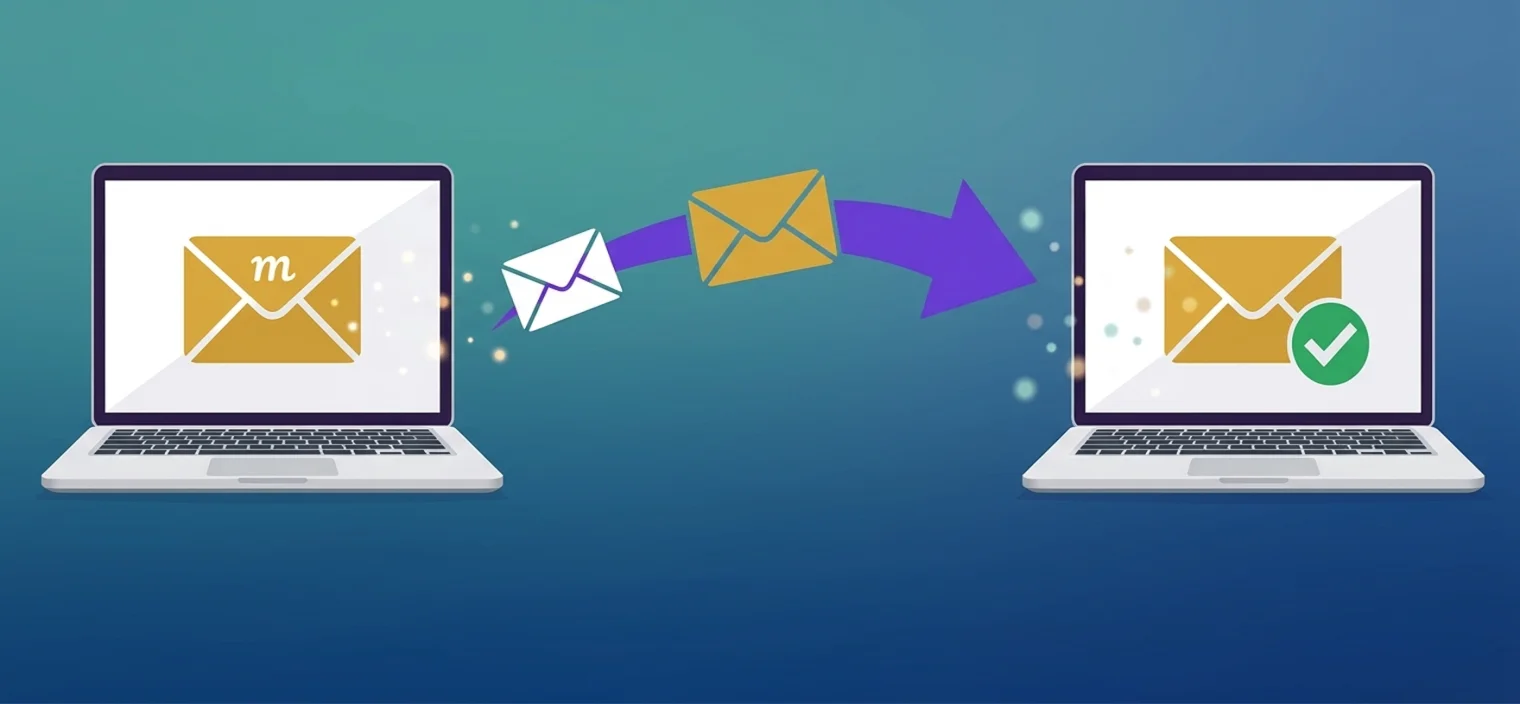
Email Migration Service

Switching email providers doesn't have to be stressful. Our Email Migration service goes beyond simple data transfer — we securely migrate your emails, contacts, calendars, and mailbox settings while ensuring minimal downtime, zero data loss, and uninterrupted communication across all accounts.

  • Zero Data Loss
  • Minimal Downtime
  • Microsoft 365 & Google Workspace
Email Migration Service
Overview

A Smooth, Secure Email Transition

Switching email providers or upgrading your email system can be complex and risky if not handled properly. Our Email Migration Service ensures a smooth and secure transition by carefully transferring all your emails, contacts, calendars, and mailbox settings while keeping everything organized and intact. This allows your team to continue communicating and working without disruption.

Whether you are moving to platforms like Microsoft 365, Google Workspace, or another email system, our team manages the entire migration process from start to finish — protecting your data, minimizing downtime, and ensuring every mailbox functions correctly in the new environment.

  • Emails, folders & attachments preserved
  • Contacts & calendars fully synced
  • Read/unread status & folder hierarchy intact
  • DNS, MX & TXT records configured for deliverability
Get a Free Quote
What's Included

Everything We Migrate

Your complete mailbox — moved over exactly as it was, nothing left behind.

Emails & Folders

All inbox, sent, archived mail, attachments and custom folders transferred with their structure fully intact.

Contacts

Your entire address book moved and synced to the new provider, ready the moment your team logs in.

Calendars

Appointments, events and recurring meetings carried over to keep everyone organized and on schedule.

Mailbox Settings

Signatures, rules, labels and configuration recreated so your new mailbox feels exactly like home.

How We Do It

Our Email Migration Process

A careful, proven sequence that protects your data at every step of the move.

1

Migration Planning

We review your current email system and the new environment to plan a smooth migration and avoid conflicts or data loss.

2

Full Backup

Before migrating, we back up all email accounts, folders and settings so your data is completely protected.

3

Email Migration

We carefully transfer emails, contacts, calendars and settings, preserving your folder and label structure.

4

Testing & Verification

We check every mailbox, folder and item to confirm it works correctly and resolve any issues immediately.

5

Final Setup & Launch

We finalize the configuration, including DNS and server settings, so email delivery works seamlessly from day one.

Transparent Pricing

Email Migration Pricing

No hidden fees. Choose the plan that fits your mailboxes.

All plans include zero data loss & post-migration support

Basic

$49one-time

For a single mailbox move

  • Up to 1 email account
  • Up to 2 GB mailbox size
  • Emails only
  • Email setup included
  • 2–3 days delivery
  • Email support
Get Started

Enterprise

Custom

For bulk & complex email migrations

  • 5+ email accounts
  • 10GB+ mailbox size
  • Bulk emails + contacts + calendars
  • Advanced setup & security
  • DNS + domain configuration
  • Dedicated expert & same-day start
  • 90-day support
Request Quote

Can't find the right package?

Reach out and we'll create a custom email migration plan that works for you.

Get personalized quote
FAQ

Frequently Asked Questions

Common questions clients ask before starting an email migration with our team.

Will I lose any emails, folders, or attachments during the move?

No. We perform a complete, bit-by-bit transfer of your entire mailbox — sent items, custom folders, archived mail, and attachments. We use a "migration-first" backup process so that 100% of your data arrives at the new provider exactly as it was, with your folder structure perfectly intact.

Will my email service be down while you migrate my accounts?

We aim for near-zero downtime. Your current email stays active while we sync your data to the new server in the background. The final DNS switch is usually seamless; very large mailboxes may have a brief sync period where new messages take a moment to appear. We manage this transition carefully to keep your communication stable.

Can you migrate contacts and calendars along with my emails?

Yes. On our Business and Enterprise plans we go beyond just moving messages — we securely migrate your entire contact list and calendar appointments to platforms like Google Workspace or Microsoft 365, so your team stays organized and synchronized from the moment they log in.

Can you move my email from an old cPanel server to Google Workspace or Outlook?

Absolutely. We specialize in migrating email from basic hosting servers (IMAP/POP3) to professional suites like Google Workspace and Microsoft 365. We handle the technical setup, including TXT and MX record configuration, so your professional email is optimized for high deliverability and security from day one.

What specific access do I need to provide for the migration?

We require administrative credentials for both your current and new email providers to manage the data transfer securely. We also need access to your DNS settings (for example GoDaddy or Cloudflare) to point your domain to the new service.

Will my emails look different or disorganized after the migration?

No. We keep your inbox organized exactly how you left it — preserving the read/unread status of your messages and keeping your label and folder hierarchy identical. Our goal is to make the transition so smooth that the only thing you notice is a faster, more reliable email provider.

Still have questions?

Contact Us

Ready to Switch Email Providers?

Get a free consultation and quote for your email migration. No obligations, no hidden fees — just expert, zero-data-loss migration advice.

Get Your Free Quote Now Emergency Migration